Product quizzes that guide visitors to the right product
Ask a few questions and show each visitor the products that match their answers. You decide the logic and the products, so every recommendation is one you chose. Triggerbee tracks what each quiz earns.
- Your products, your logic
- Works with your product feed
- Targeted audiences
- No code needed
Why a product quiz works
Visitors find the right product without scrolling through endless category pages.
An outcome for every path
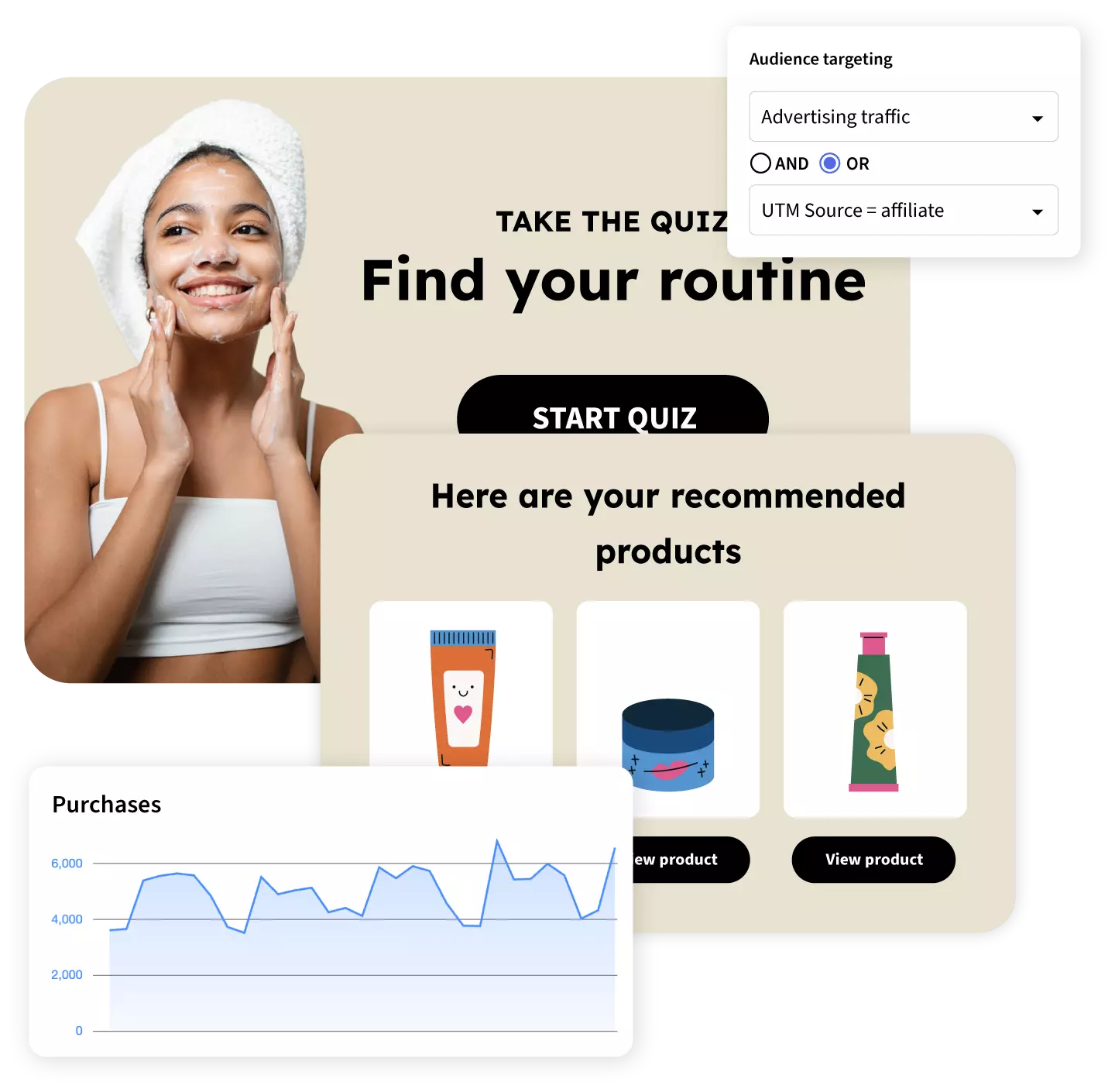
Create as many result screens as you need, each with its own products and message. Base them on scores, single answers or grouped answers.
Products from your feed
Pull products from your Google Shopping feed or a custom sheet, then filter by price, category or any field you want.
Grow your email list
Ask for the email before the first question or after the last one. You choose the order.
Shown to the right people
Aim the quiz at new visitors, returning customers or CRM segments, and hide it from people who already signed up.
Made for mobile
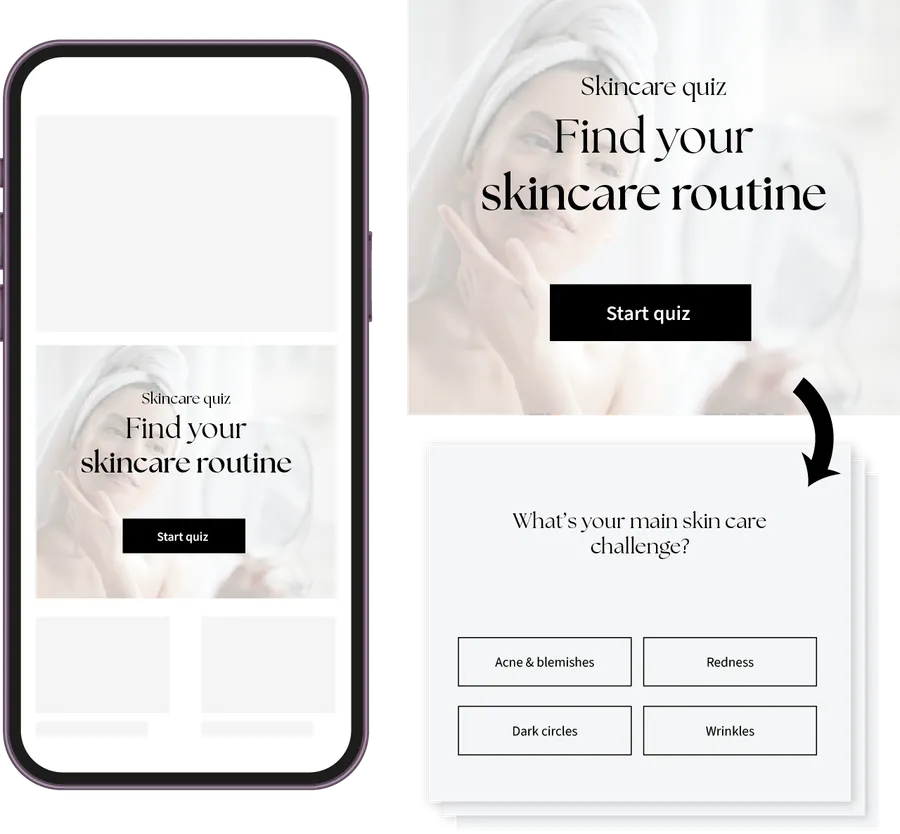
The quiz works on desktop, tablet and mobile, with fullscreen layouts for small screens.
Every answer measured
Views, submissions, conversion rate, drop-off between steps and assisted revenue for every quiz you run.
From first question to final purchase
Start from a ready-made quiz
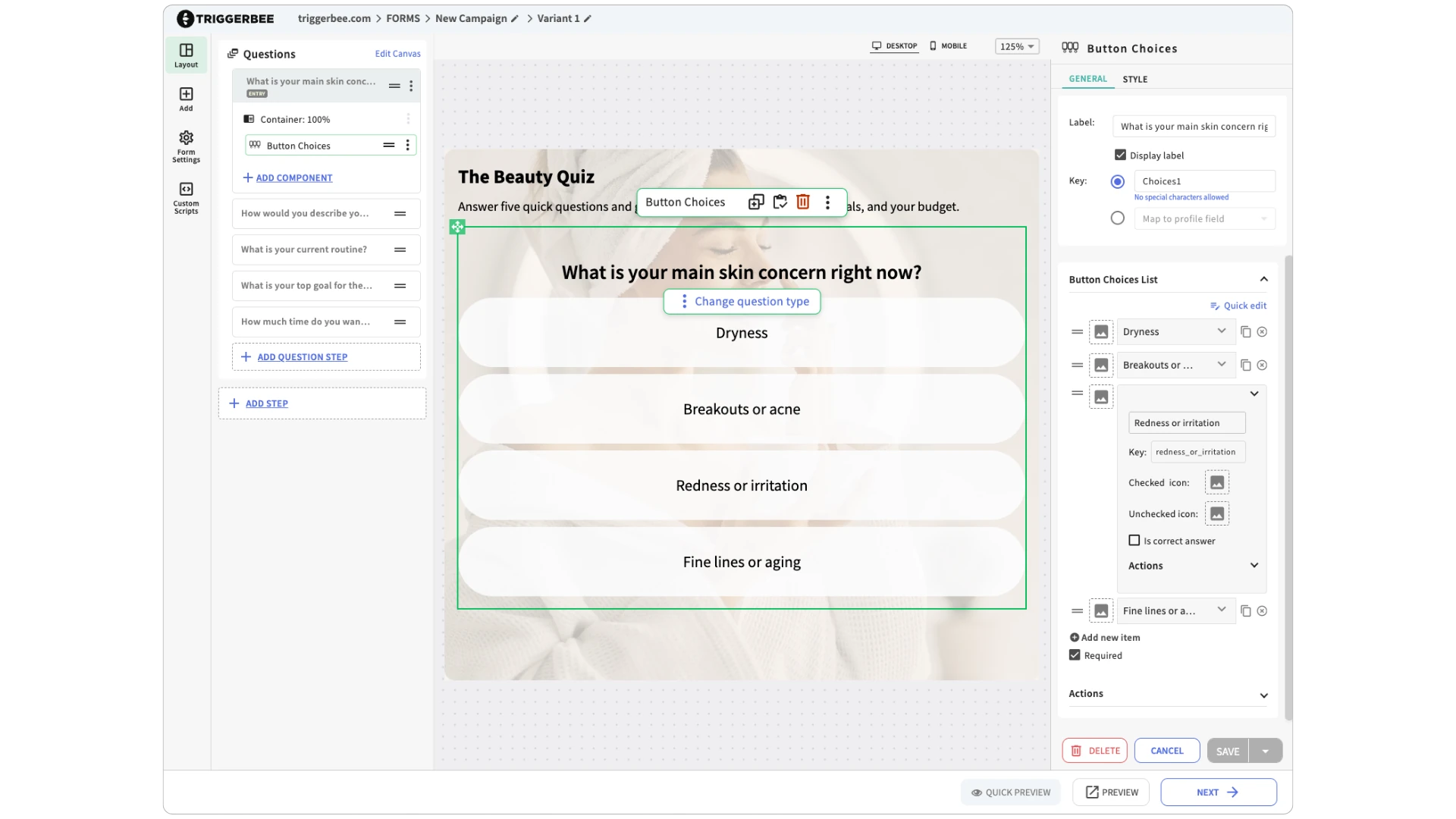
Pick a classic product quiz or one with a sign-up step, then change the questions, colours and fonts in the visual editor until it looks like your store.
- Drag-and-drop editor
- Mobile-optimized design
- Your own fonts
- Overlay, fullscreen or embedded
Decide which products each answer leads to
Outcomes control how the quiz ends. Each outcome shows its own set of products from your feed, so the recommendations stay predictable and you can push the brands or products you want to sell.
- Scoring or answer-based rules
- Google Shopping feed or custom sheet
- Filter by price, category or any field
- Unique coupon code on the result step
Show the quiz to the right visitor
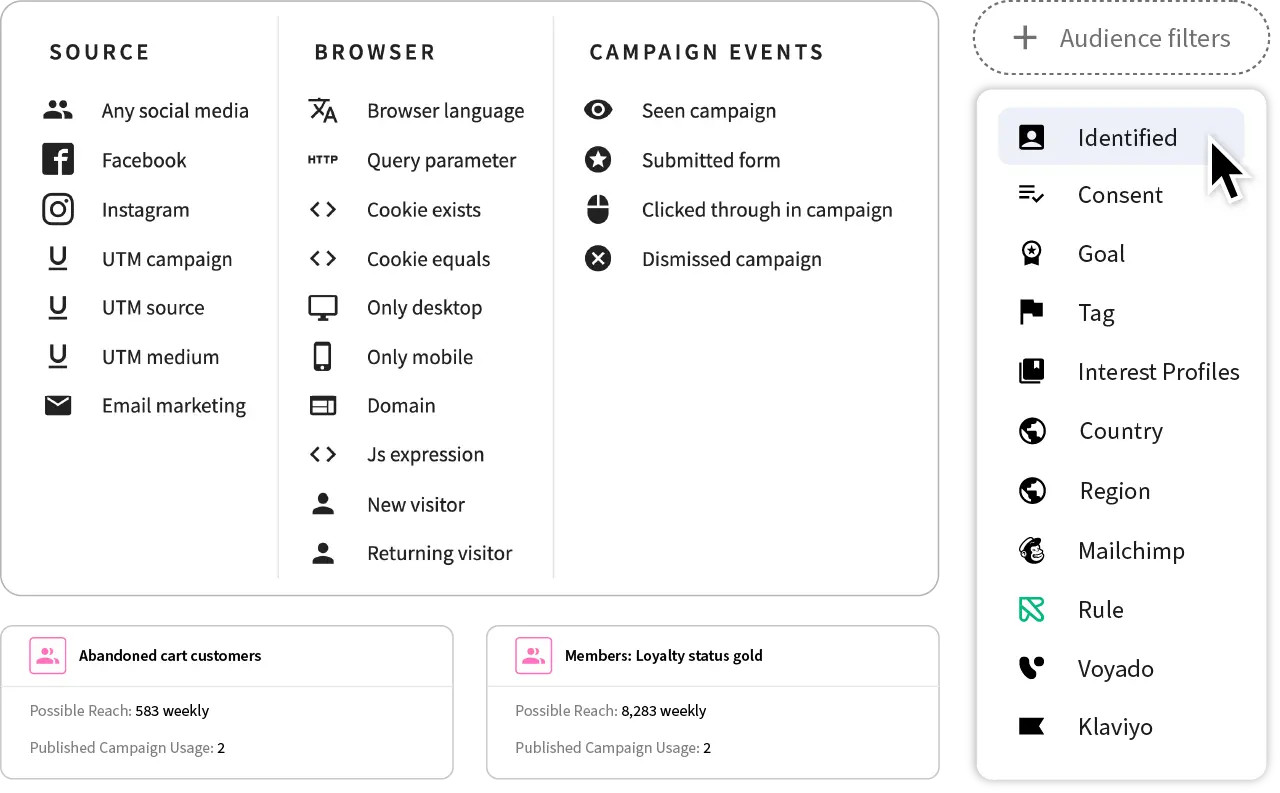
Trigger the quiz on exit intent, scroll depth or time on page. Filter by audience: new visitors, returning customers, CRM segments, UTM parameters or ad traffic.
- Exit intent and scroll triggers
- New or returning visitors
- CRM and email segments
- UTM and traffic source
Track every answer, sign-up and sale
See how the quiz performs from the first question to the purchase: form submissions, conversion rate, drop-off between steps, coupon usage and assisted sales.
- Conversion and drop-off
- Coupon redemptions
- Assisted sales
Product quiz FAQ
What is a product recommendation quiz?
A product recommendation quiz asks shoppers a few questions and then shows a curated list of products that match their answers. It is also called a product finder, guided selling quiz or gift finder.
Each answer also tells you something about the visitor, such as their style, budget or needs. You can use that data for onsite targeting and email segments.
How does Triggerbee pick the recommended products?
You decide. Outcomes control how the quiz ends, based on scoring or answer rules. Each outcome shows its own products, pulled from your Google Shopping feed or a custom spreadsheet. There is no algorithmic guessing, so you can also promote products from a specific brand.
Will a product quiz slow down my website?
No. The Triggerbee script is about 55 KB and loads asynchronously, and browsers cache it, so returning visitors do not download it again.
Can I collect emails before the quiz starts?
Yes. Put the form before the first question if you want to grow your list, since visitors submit it to start the quiz. Put it after the last question if you want instant engagement.
Can I give quiz takers a unique coupon code?
Yes. Upload a CSV of unique codes and add the Unique Coupon Code component to the result step. Each visitor gets a one-time code, a free tool generates up to 50,000 codes, and the campaign can pause itself when the codes run out.
Does it connect to my email or CRM tool?
Which plans include the product quiz?
The product quiz is part of gamification campaigns on the Pro and Success plans. You can run several versions for different goals and A/B test them.